


The numbers printed on your laptop charger probably aren't something you've ever paid attention to. Then an international trip comes along, and suddenly that tiny label becomes a lot more important.
Many travelers worry about plugging their laptop into a 220V outlet and damaging an expensive device. The good news is that the answer is usually sitting right on your power adapter. Learning how to read it takes less than a minute and can help you avoid unnecessary stress, damaged electronics, or buying equipment you don't actually need. Pair that knowledge with a Ceptics universal travel adapter and the right voltage solution, and charging your laptop abroad becomes much simpler
Why Voltage Matters When Traveling
Not every country delivers electricity the same way.
North America primarily uses 110-120V power, while many countries across Europe, Asia, South America, and Africa use 220-240V. If a device is built for only one voltage, plugging it into a higher-voltage outlet can damage internal components.
That's why checking your charger's power requirements before every trip is worth making part of your packing routine. A quick look at the label can tell you whether your laptop is ready for international travel.
Where to Find Your Laptop's Voltage Information
A lot of people check the laptop itself first. That's usually the wrong place to look.
The information that matters is printed on the power brick or charging adapter. Look for the section labeled “input,” followed by the voltage and frequency specifications.
The laptop simply receives power from the charger. It's the charger that determines whether it can safely accept electricity from different countries.
How to Read the Voltage Label

Most laptop chargers include a line that starts with Input.
If you've ever wondered, what does 100V/240V mean, this is where you'll find the answer. A label that reads “Input: 100-240V ~ 50/60Hz” means the charger is designed to operate across the voltage ranges used in most countries. In other words, it can automatically handle both 110-120V and 220-240V power without any manual adjustment.
You'll find this label on many modern laptop chargers, including a growing number of USB C laptop charger models.
Dual-Voltage vs. Single-Voltage Devices
Most laptops sold today are dual voltage, which is why international travelers rarely need a voltage converter just for their computer.
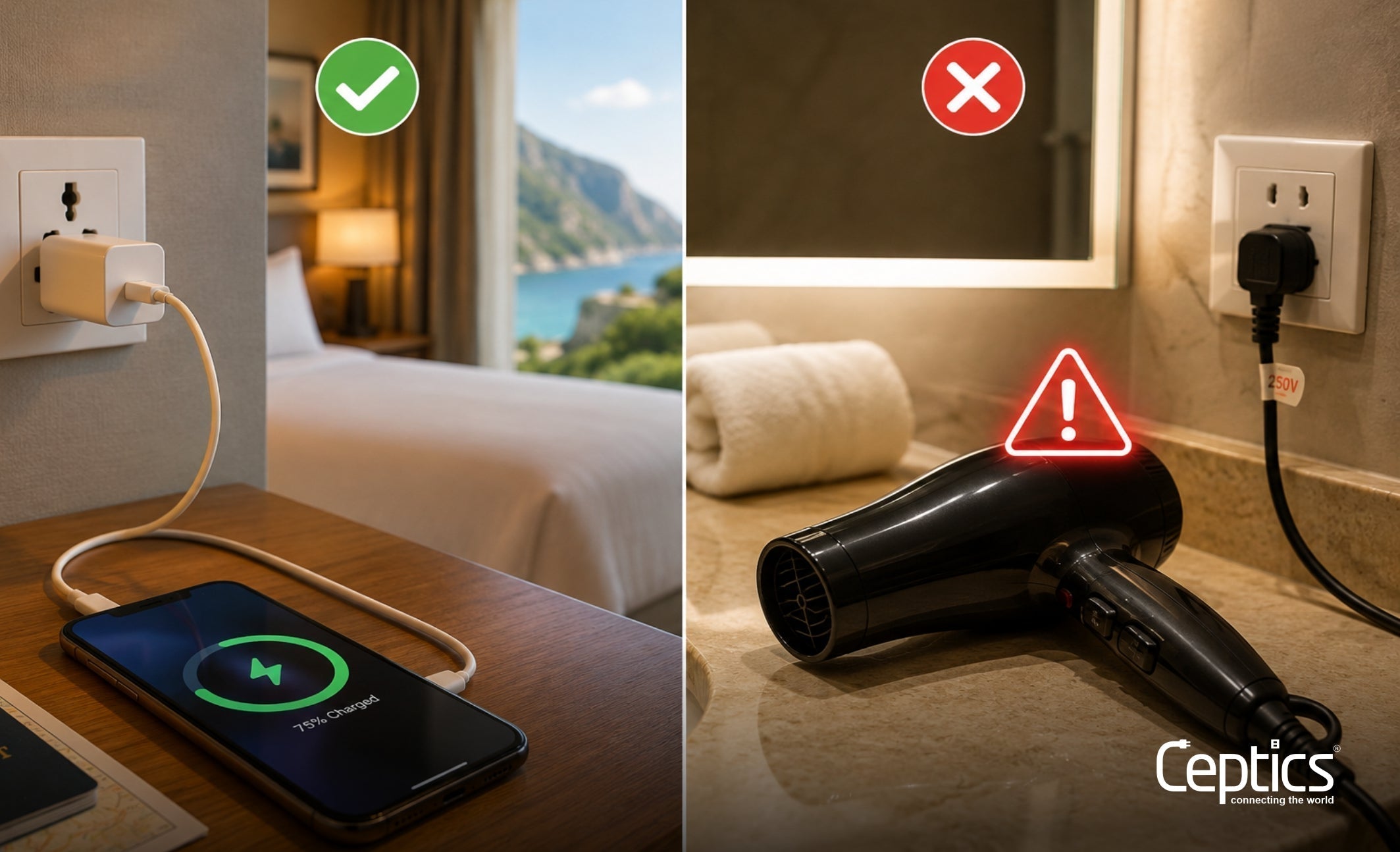
Other devices aren't always as forgiving. Hair dryers, curling irons, electric shavers, and some older electronics may still be designed for a single voltage. Those are the items most likely to require additional equipment when traveling overseas.
Checking the label is always more reliable than guessing based on the device itself.
What If Your Laptop Is Not Compatible with 220V?
If your charger supports only one voltage, such as 110V, plugging it directly into a 220V outlet can permanently damage both the charger and the laptop.
That's when a voltage converter becomes necessary. The converter should always match the power requirements of your device, so take a moment to confirm the wattage before choosing one.
Fortunately, most travelers discover they won't need one once they check their laptop charger.
Why You Still Need a Universal Plug Adapter
Voltage compatibility and plug compatibility are two different things.
Your charger may safely accept 220V power, but it still has to fit the outlet in the country you're visiting. That's where a travel plug adapter or universal travel adapter comes in. They don't change the voltage. They simply allow your charger to connect to foreign outlets.
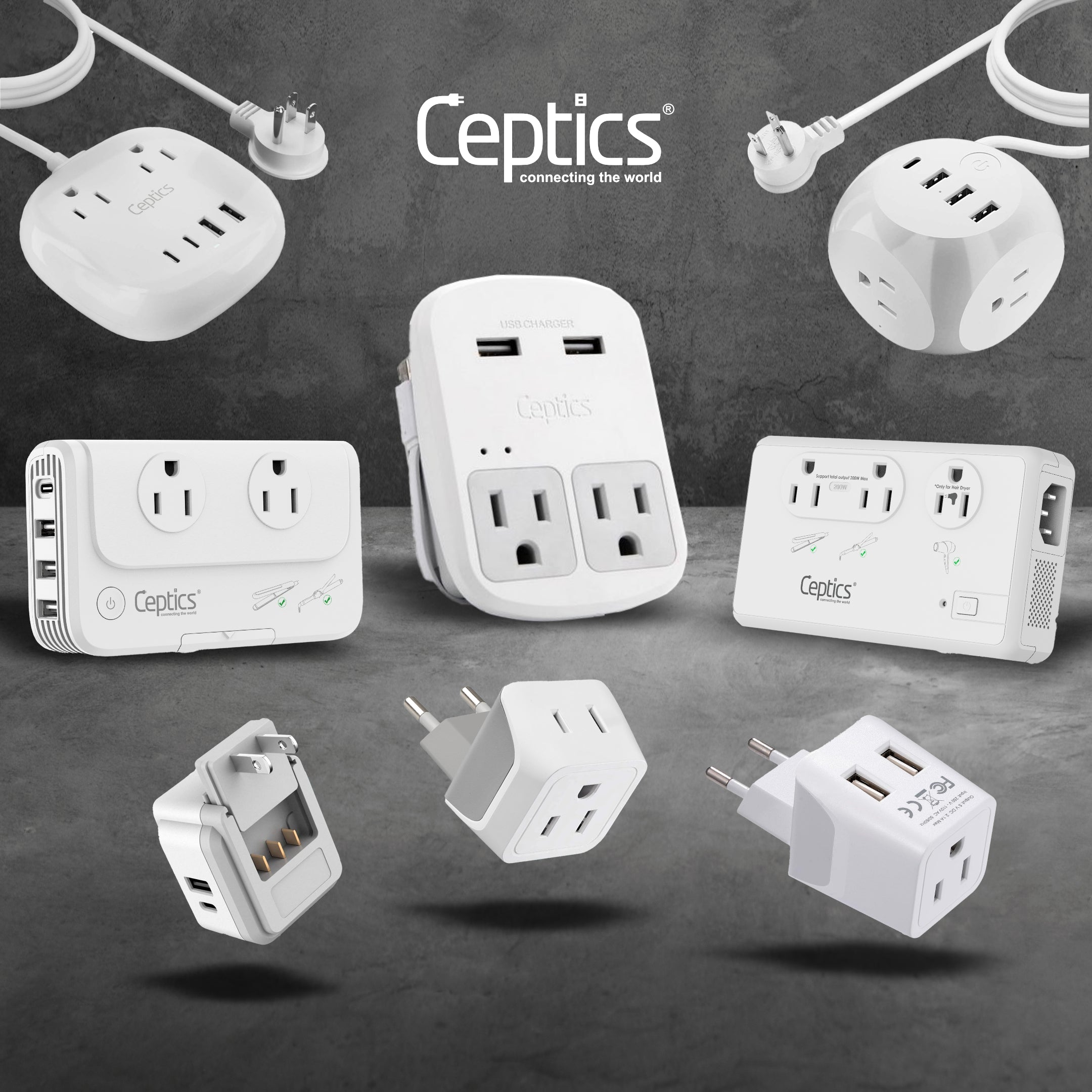
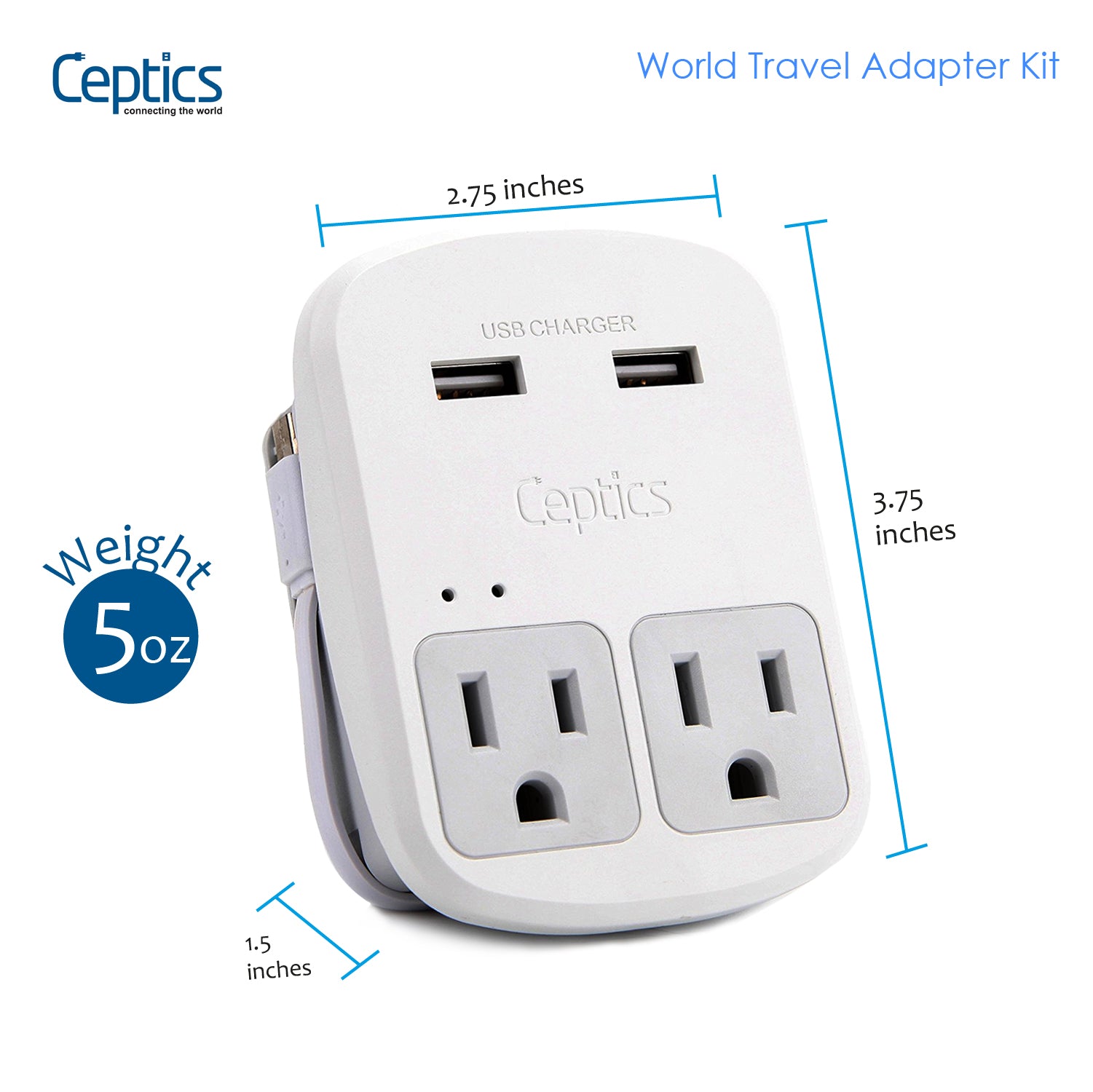
For travelers carrying several devices, a universal power adapter laptop setup can be a convenient way to stay charged across multiple countries. If you're replacing an older charger before your trip, a compatible universal laptop charger may also simplify your travel kit. Ceptics travel adapters make it easy to connect your devices wherever your itinerary takes you.
Travel Power Tips for Laptop Users
Checking your charger label before departure is one of the easiest travel habits you can build.
If you're visiting multiple countries, pack a universal travel adapter rather than separate adapters for each destination. A surge-protected travel adapter adds another layer of protection when charging valuable electronics, while a power bank and spare charging cable can keep you working if outlets aren't immediately available.
A few minutes of preparation can save hours of frustration later.
Protect Your Laptop with Ceptics
Most modern laptops are already designed to handle international voltage. The key is knowing how to read the label on your charger before you leave home. Once you've confirmed both voltage compatibility and the correct plug type, charging abroad becomes much less complicated. Stay powered anywhere in the world with Ceptics travel adapters and voltage solutions.